Activate by Phone
In order to easily and quickly finalize your Office activation within few minutes, you will need to activate using the telephone method.
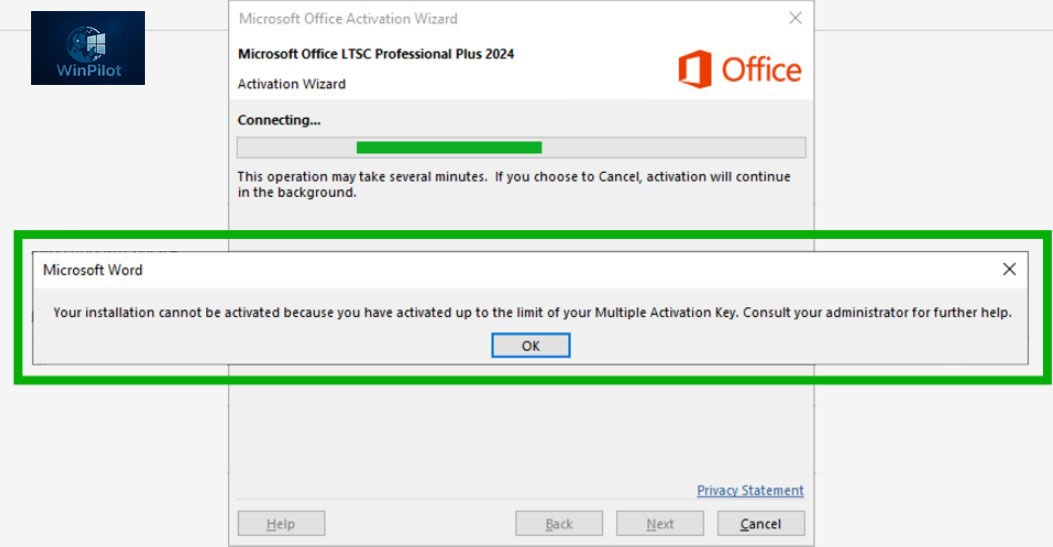
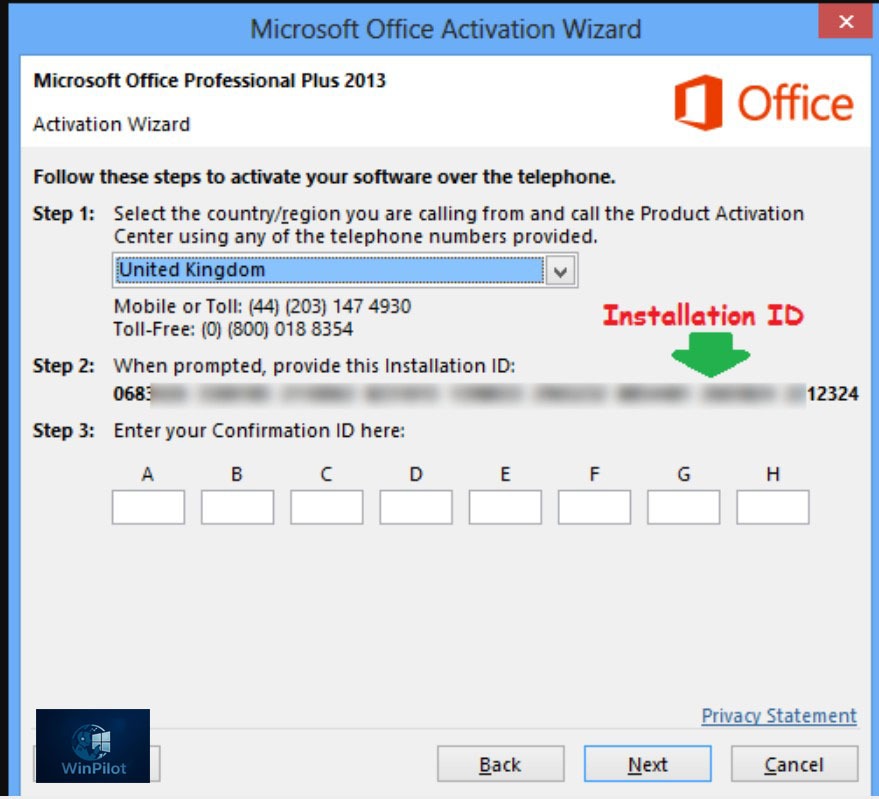
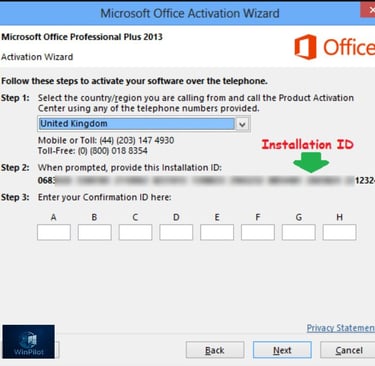
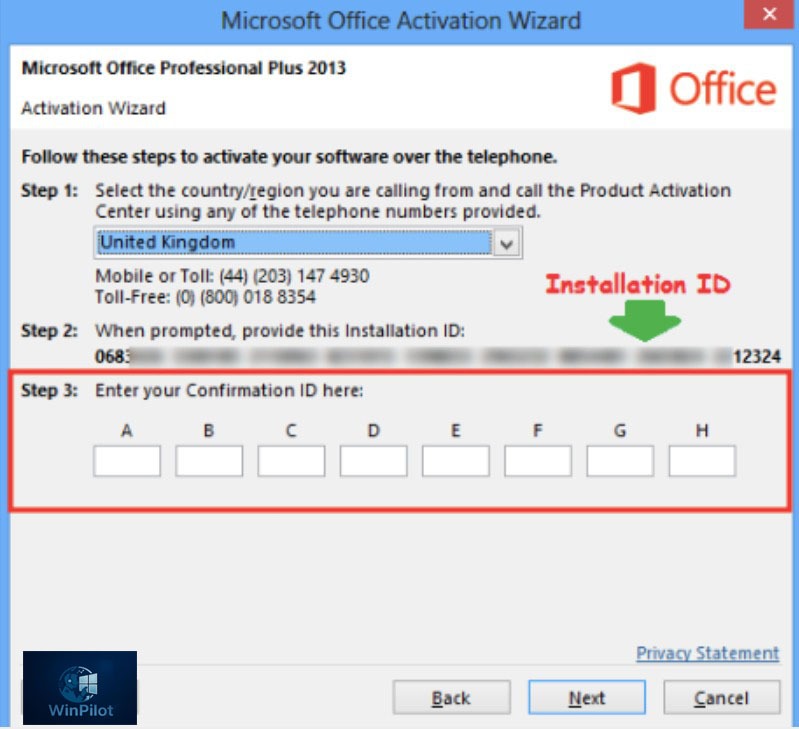
Open Word, wait for the Activation Wizard pop-up box to appear, then select the second option which says “I want to activate the software by telephone”, and select Next. If Activation Wizard windows doesn’t automatically appear, then open Word, on the “Home” screen go to “Account” section on bottom left, then select “Activate Product” on the red banner on center page under Product Information.
For a faster and easier activation, use the official Microsoft Activation Tool at the link here: https://aka.ms/aoh (Recommended for quicker activation)
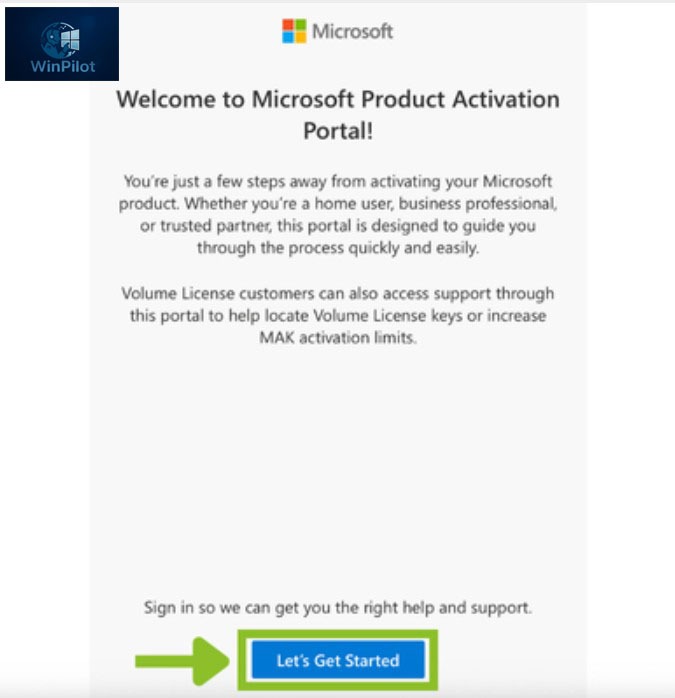
Then click on “Let’s Get Started“
Sign in to your Microsoft account
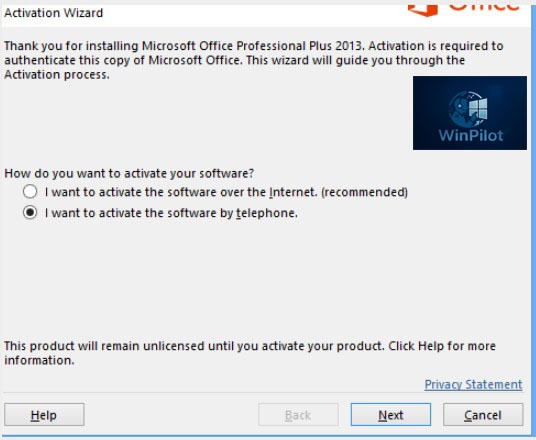
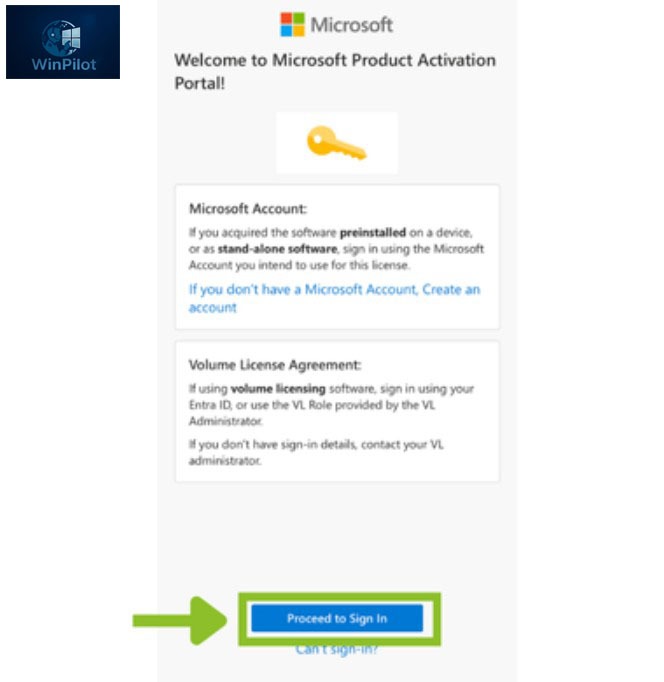
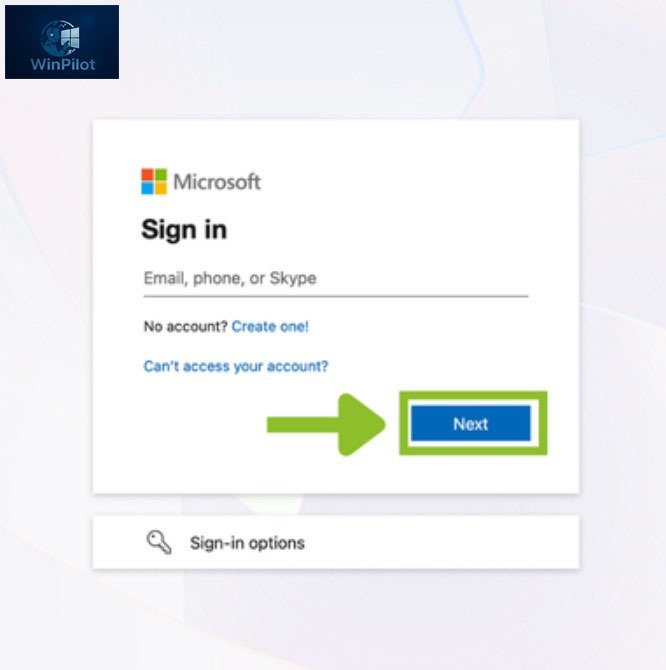
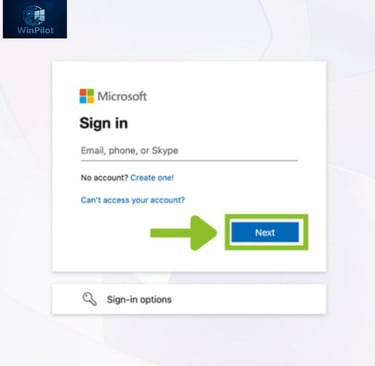
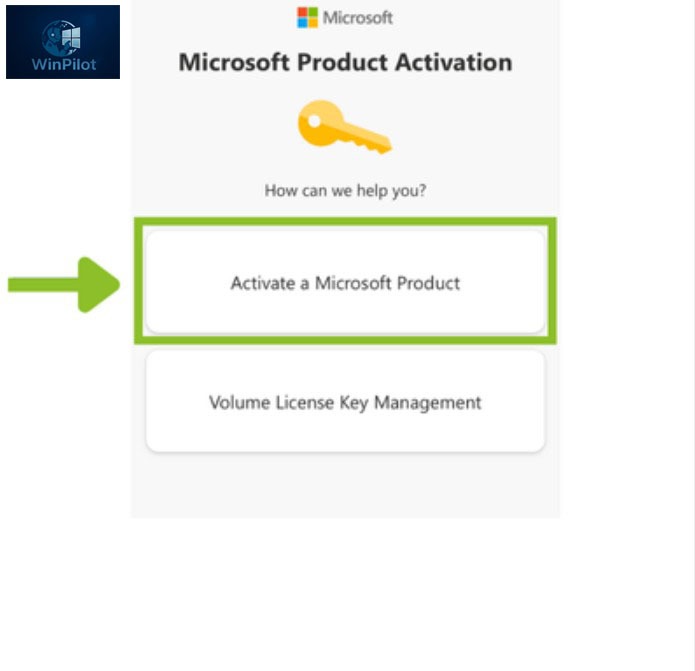
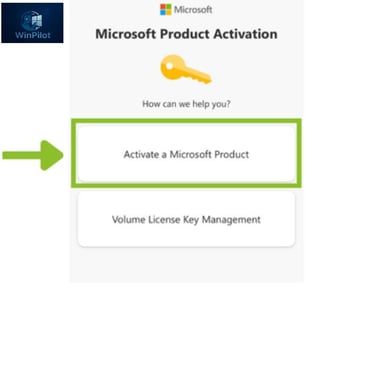
Select Activate a Microsoft Product.
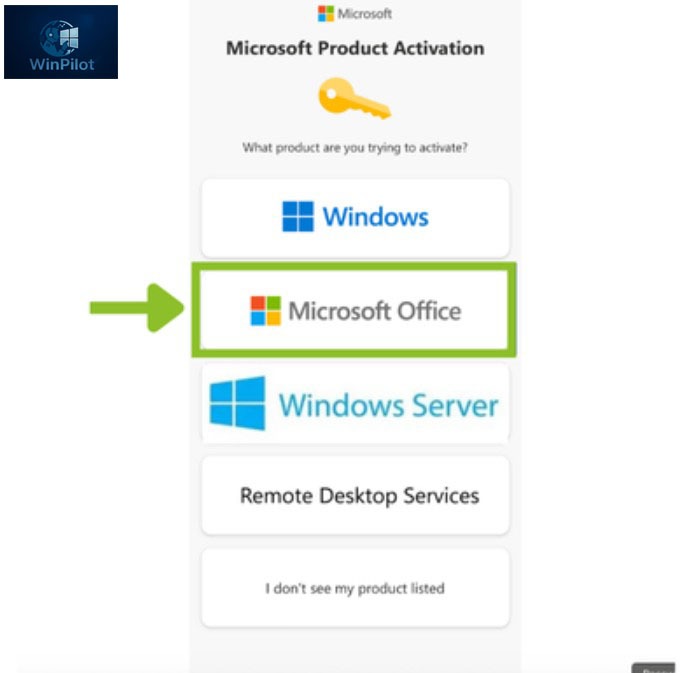
Choose Microsoft Office, then select your operating system (Windows).
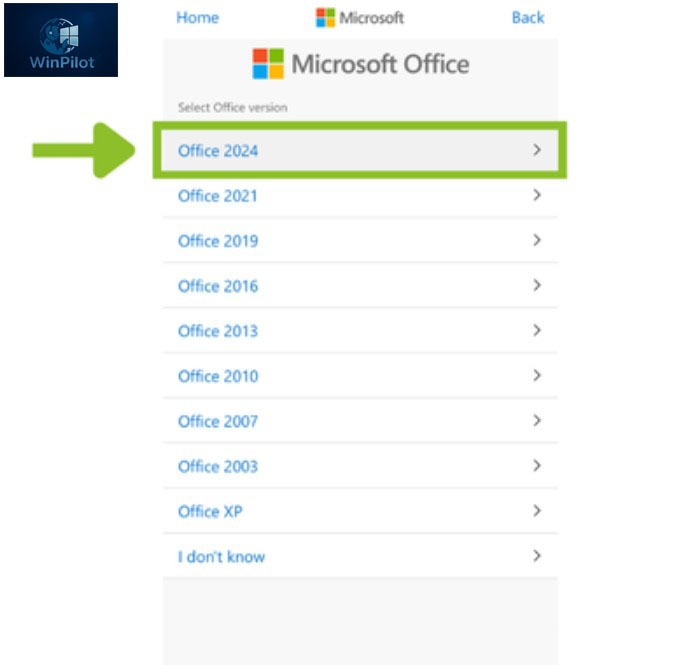
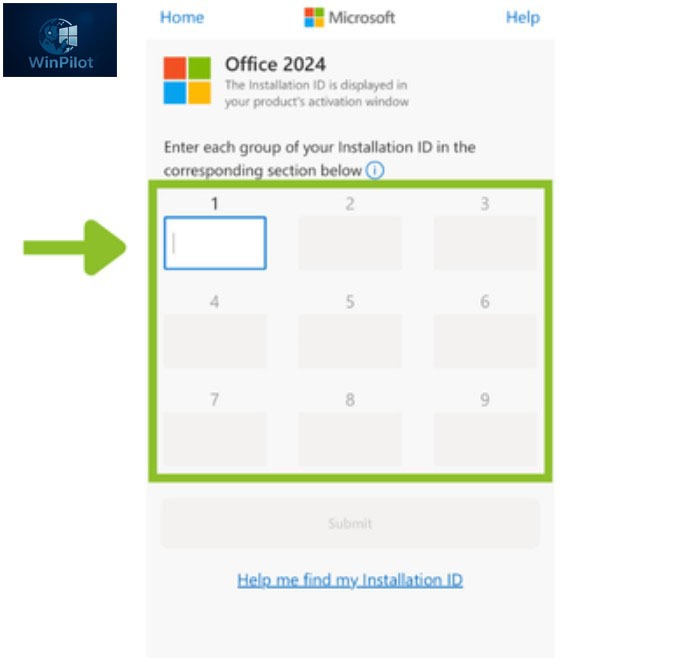
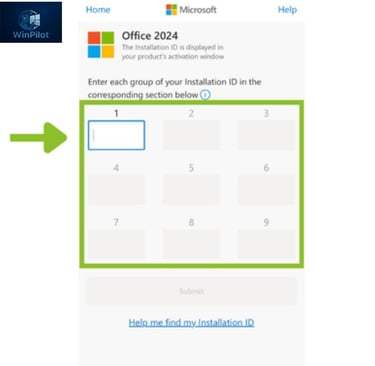
Select your Office version (for example, Office 2024). You will then see a field where you can enter your Installation ID.
Return to your Office application, copy the Installation ID,
And enter it on the Microsoft phone activation page.
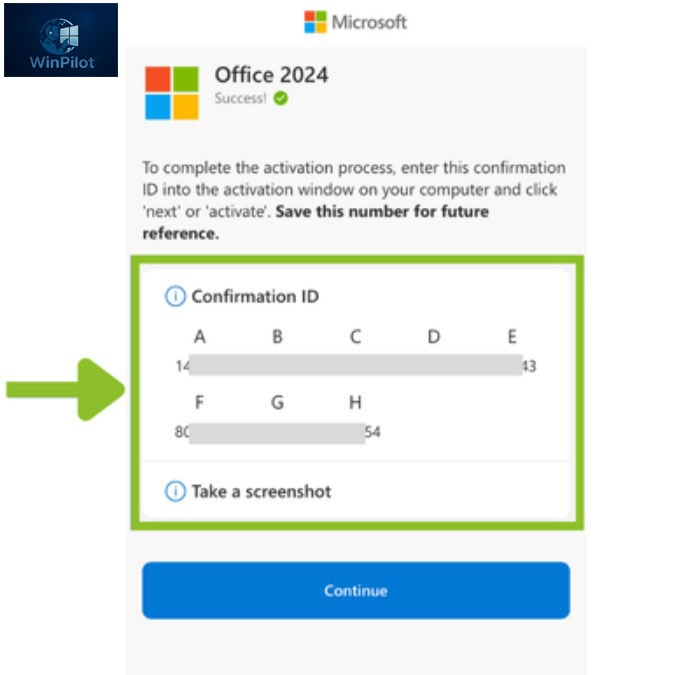
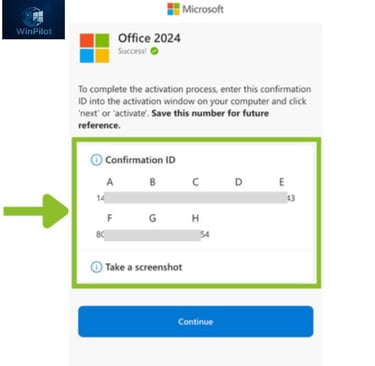
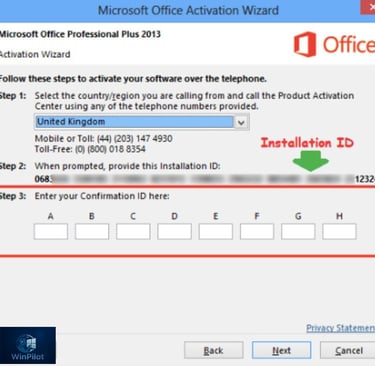
Then Microsoft will give you Confirmation IDs. Paste these IDs into Step 3
Click on “Next”. Your activation is complete.
If you experience any issues during activation or have any questions, please don’t hesitate to contact our support team. We’re here to help you every step of the way. You can reach us by email at support@winpilotremote.com .
Remote IT Support Worldwide
Fast, secure, and professional remote computer assistance specializing in Microsoft Windows and Office installation, activation, diagnostics, and optimization.
Contact US:
© 2025 WinPilot. All rights reserved.